Customer guide
How to buy with SENZI
Choose the right workflow before you pay. Product costs are shown before purchase; international shipping is requested later after warehouse arrival.
Normal order, Buy For Me, and Forwarding each have different payment and tracking steps.
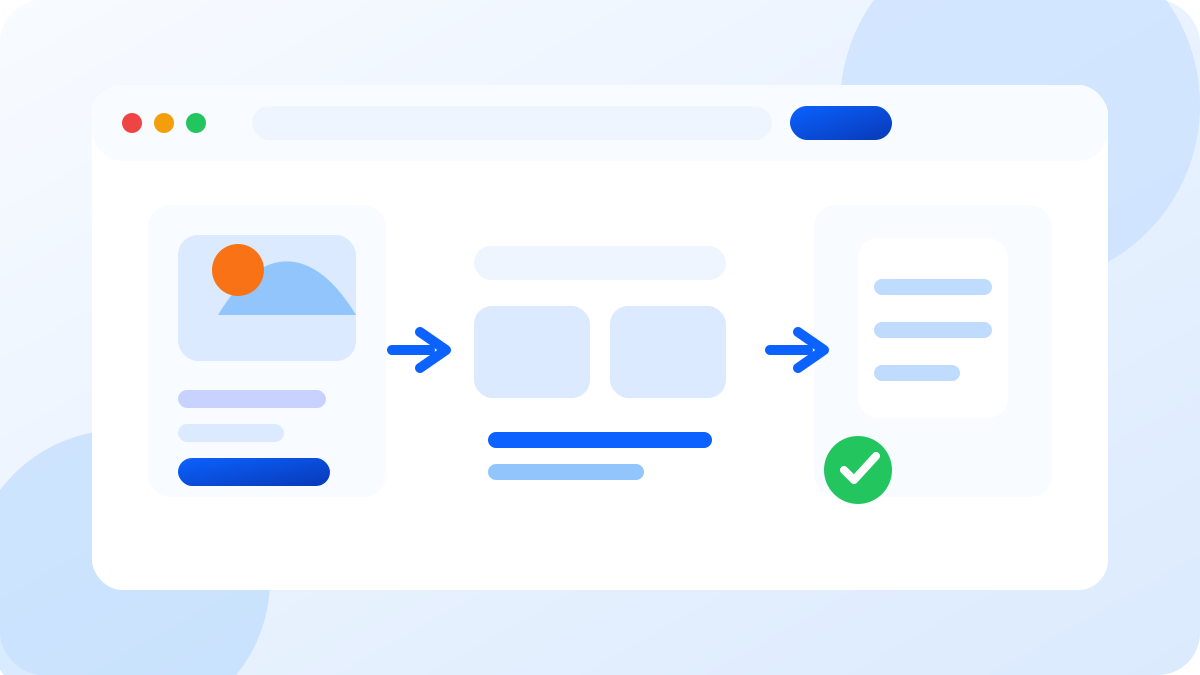
1688, Taobao, Weidian
Normal marketplace orders
Search or paste a product link, choose the exact options, pay the shown product costs, then approve shipping later.
- 01
Paste a 1688, Taobao, or Weidian link, or search by product name or image.
- 02
Open the product carefully, choose size, color, quantity, and read the seller terms before adding to cart.
- 03
Product price, domestic freight, service fee, and wallet amount due are shown before payment.
- 04
International shipping is charged later after the products arrive at the warehouse.
- 05
SENZI purchases the item, receives it in the China warehouse, takes QC photos, and stores it until you request shipping.
- 06
We do not ship automatically. You must approve and request shipping after products arrive.
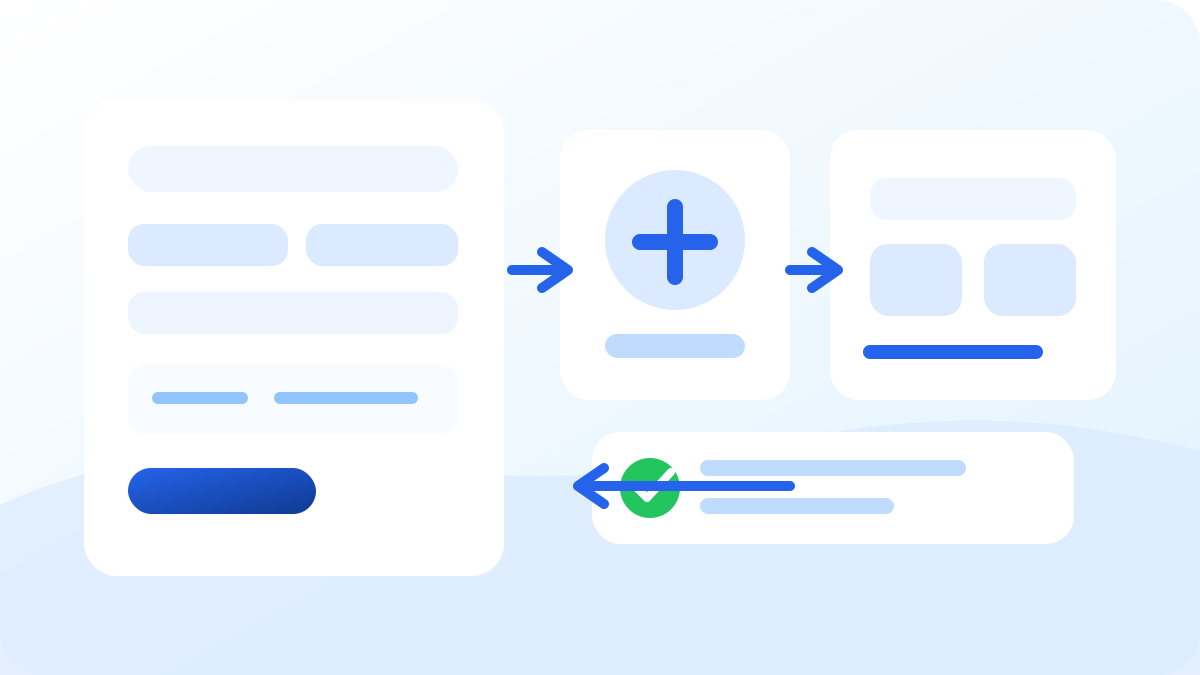
Manual sourcing request
Buy For Me
Send the link and price details, top up your wallet, then pay the final amount after admin confirms product and freight costs.
- 01
Enter the product link, RMB price, quantity, remarks, and any seller freight you can see.
- 02
The conversion rate appears before submission so you can understand the estimated USD amount.
- 03
Top up your wallet first using the wallet top-up methods available in your account.
- 04
Admin reviews the request, confirms or adjusts product price and freight, then asks you to pay any amount due.
- 05
Supplier tracking may appear one or two days later. SENZI links it when available and updates the warehouse workflow.
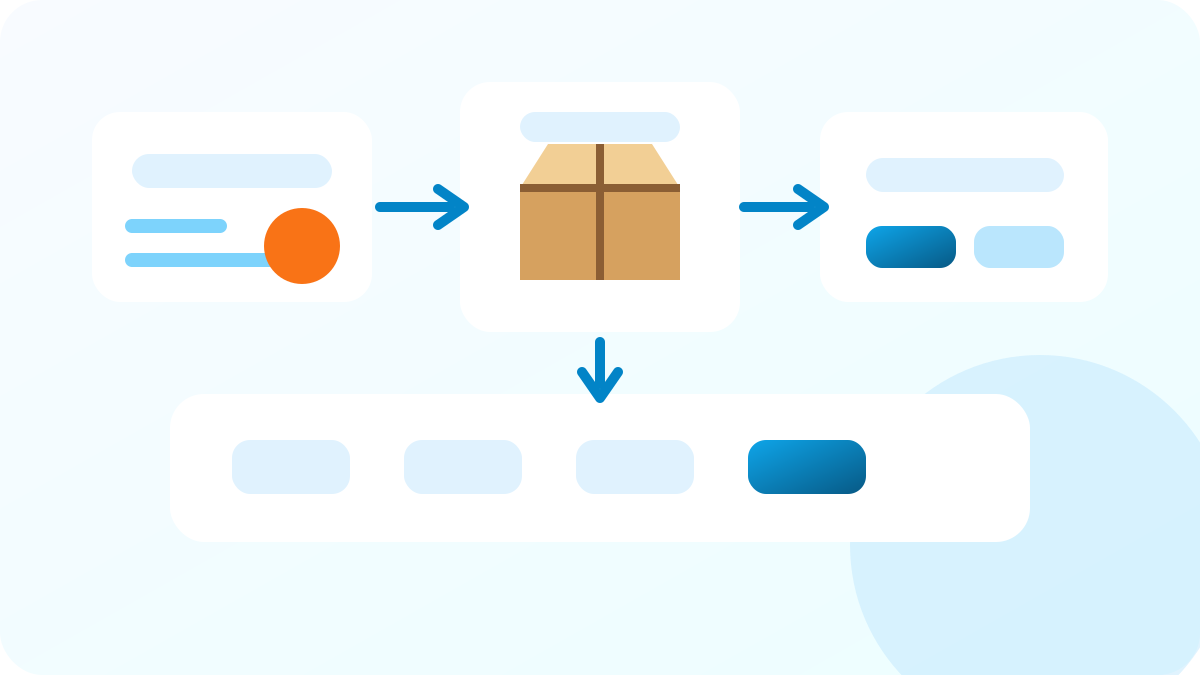
Ship yourself to SENZI
Forwarding
Buy from Chinese sellers yourself, ship to your SENZI warehouse code, add tracking, then request shipping when ready.
- 01
Buy from any Chinese seller yourself and use your SENZI China warehouse address and customer code.
- 02
Add the tracking number as soon as the seller gives it. Unknown packages can be linked faster when your code and tracking are ready.
- 03
When the package arrives, the warehouse scans it, adds photos and measurements, and keeps it in storage.
- 04
You can choose SENZI advertised shipping routes or request another shipping company you know.
- 05
Your products remain in our warehouse until you request shipping. Follow the instructions carefully to avoid delays.